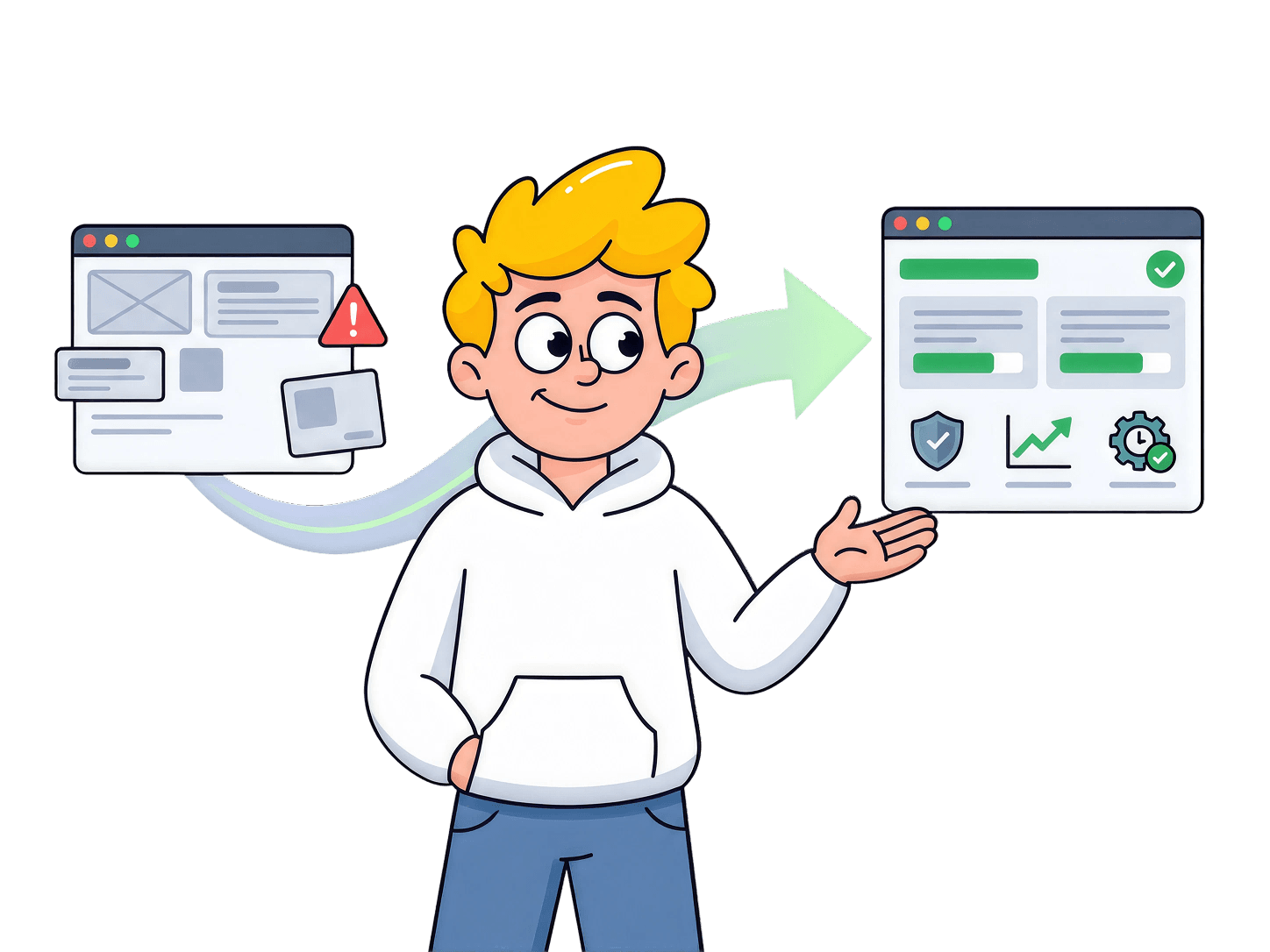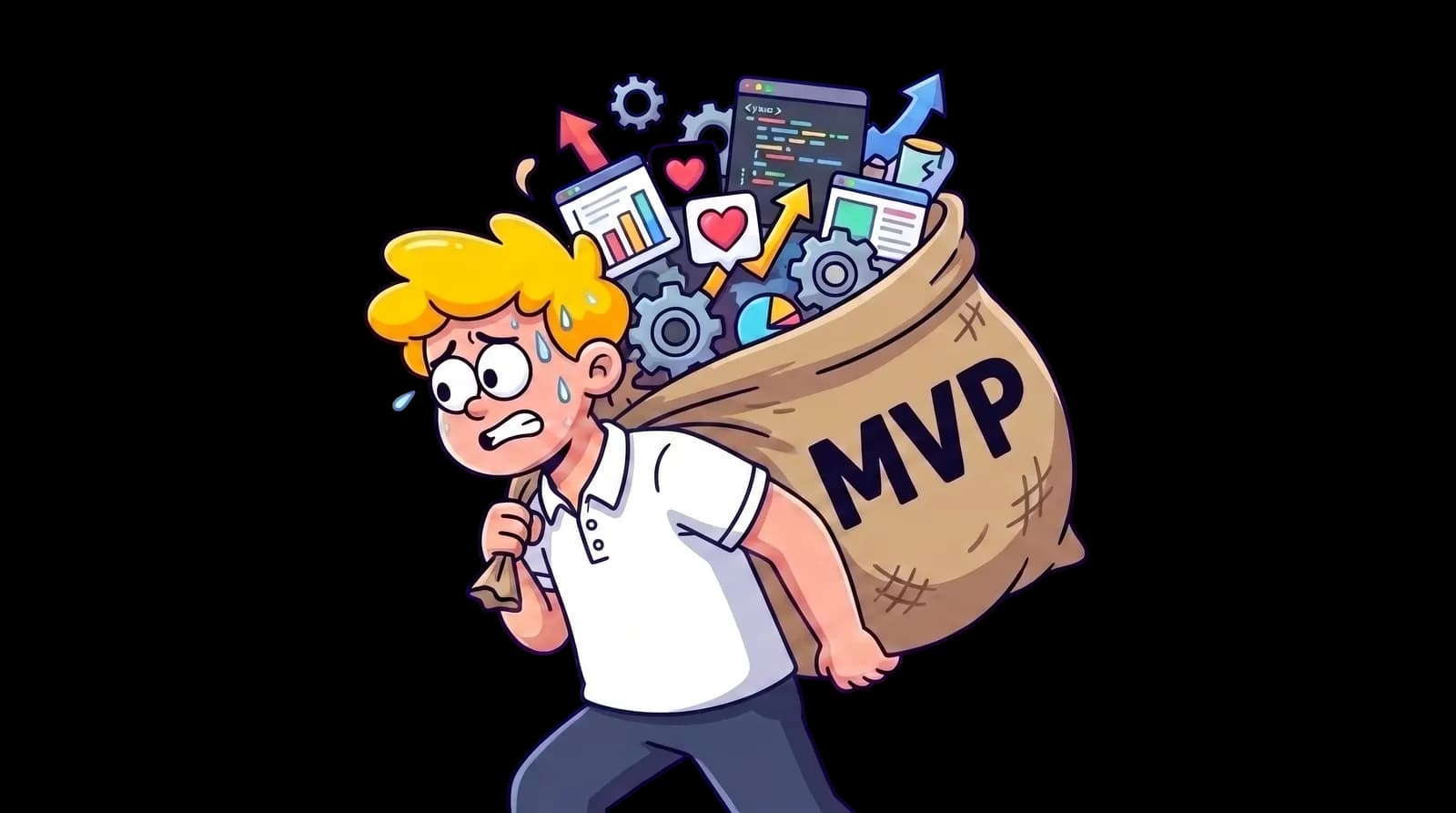

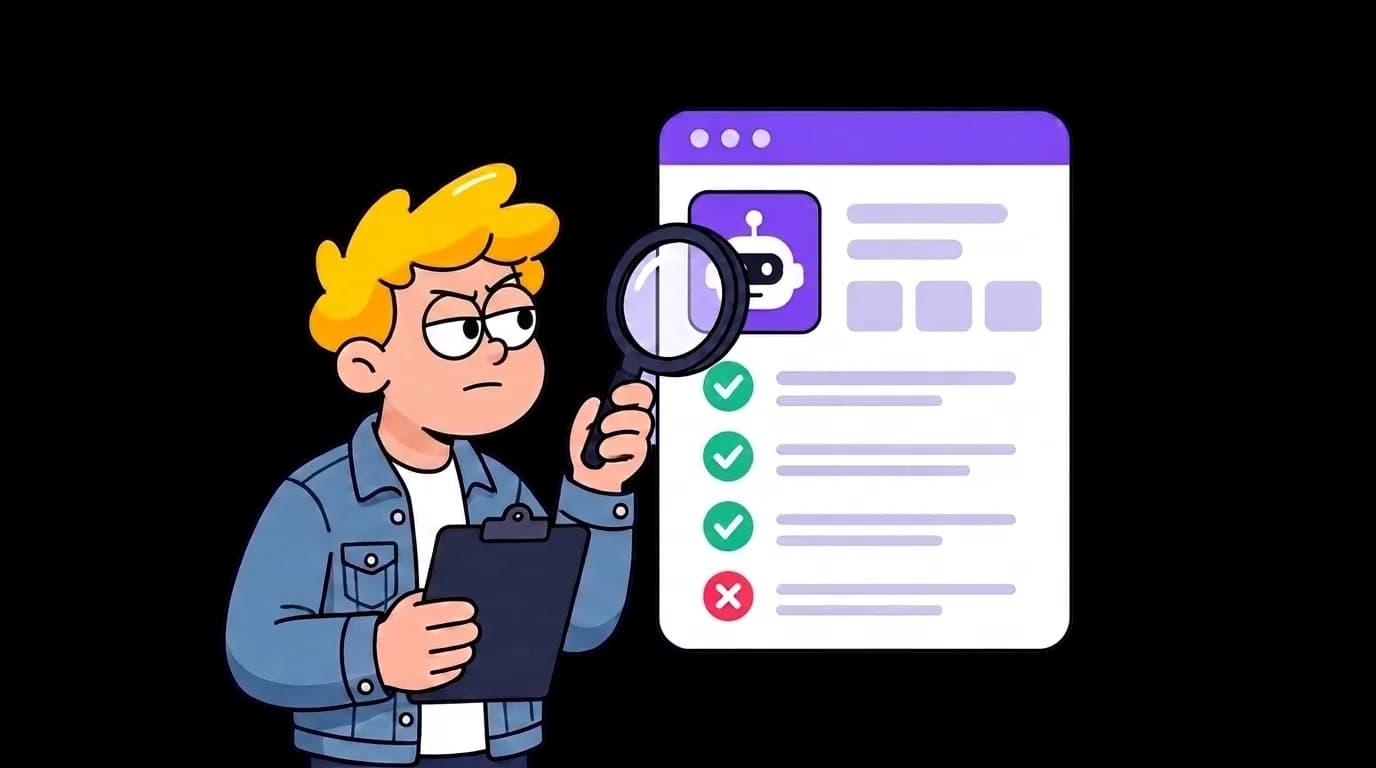
AI can turn a SaaS idea into a working demo in days. But before launch, an AI-built product needs a structured audit of its customer promise, user journeys, data access, code, AI behavior, reliability, analytics, and launch controls. The audit is what turns speed into confidence.
The product worked perfectly in the demo.
Sign-up took seconds. The dashboard loaded. A proposal became a clean delivery plan. The AI summary sounded useful, the client invitation arrived, and the billing screen behaved exactly as expected.
After nineteen days of building with AI coding tools, the founder had a client portal that looked ready. Small digital agencies could upload a proposal, let AI extract the deliverables and deadlines, and share a project space with the client. No more searching through email threads for the latest scope.
The launch email was written. Eight agency owners were waiting for access. Before sending it, the founder asked a friend to try the product without instructions.
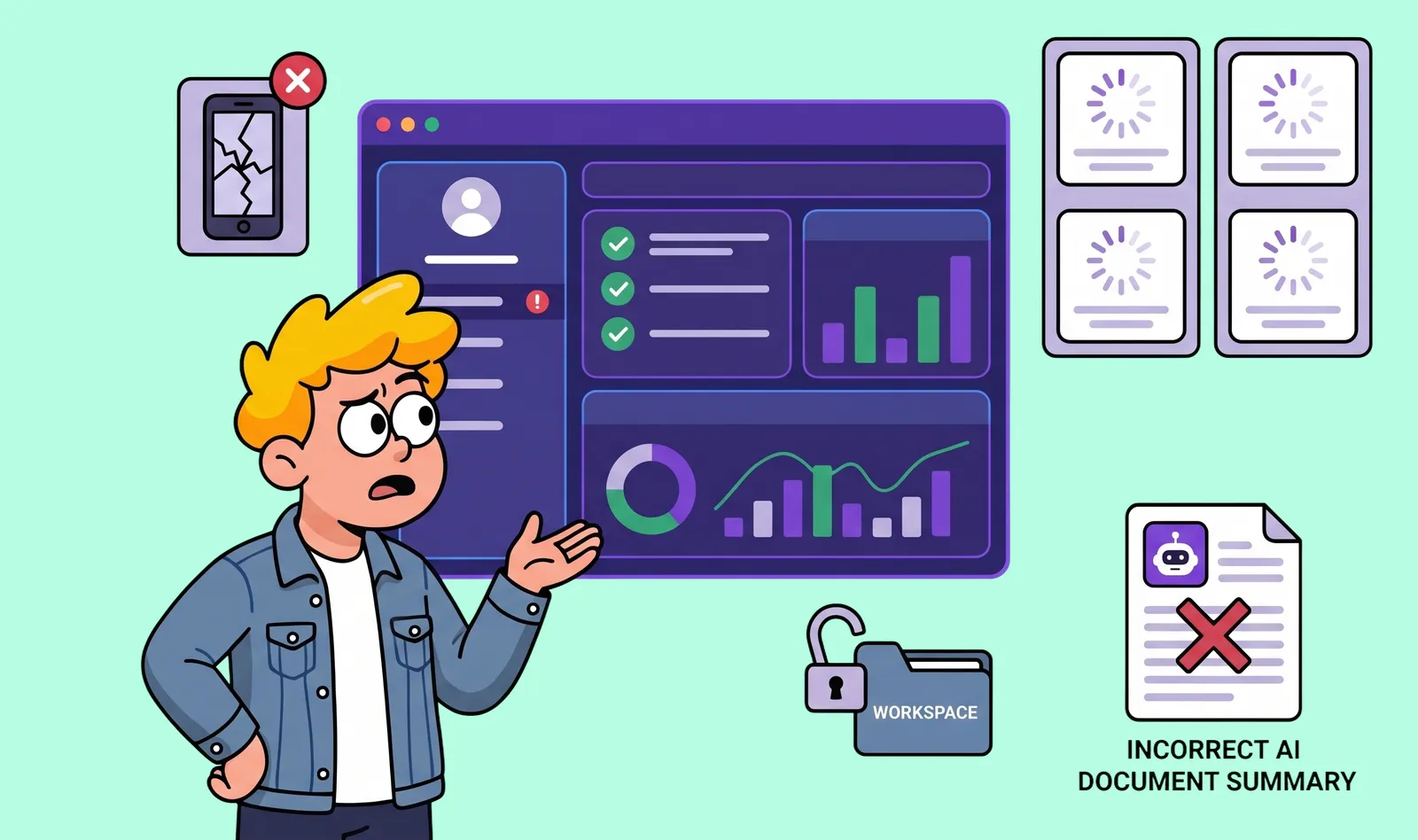
She uploaded a scanned PDF. The loading indicator spun and disappeared, but no summary appeared. She clicked Generate again and created two jobs. On mobile, the approval button sat hidden behind the bottom navigation. Then she created a second workspace, changed one number in the page URL, and saw the name of a project from the first workspace.
The final test looked successful. The summary was polished and confidently written. It was also wrong: the AI had invented a cancellation deadline that did not exist in the proposal.
The launch email was not sent that night.
Why AI-built products feel ready too soon
AI is exceptionally good at creating visible progress. Ask for a dashboard, authentication, and payments, and there is soon a polished flow that works in the test account you have been using. That speed is real. So is the false sense of completion it can create.
An AI coding tool does not automatically know which business rules must never break, which data one customer must never see, which actions must be reversible, or what should happen when an external service fails. If those constraints were never made explicit, the code can look finished while the product remains undefined.
A tidy interface creates emotional confidence. Underneath it may be a collection of locally correct answers that have never been tested as one whole.
Seven areas to audit before launch
A pre-launch audit is not a hunt for every possible bug. If that were the standard, nothing would ever ship. The goal is to find the failures that could break trust, expose data, block the user from reaching value, or leave the team unable to understand what went wrong.
Feature work paused while the product was audited in seven layers.
1. Audit the promise before the product
The homepage described the app as “an AI client portal for agencies.” That sounded like a category, not a reason to switch. The audit made the promise more specific: small digital agencies lose time turning signed proposals into a shared delivery plan. The first value was not the dashboard. It was converting one messy document into a project structure the agency could verify and share.
Write down one target customer, one painful situation, one promised outcome, and one reason the current workaround is no longer good enough. Then check whether the homepage, onboarding, primary action, and pricing support that same promise.
If the product sells speed but requires twenty minutes of setup, or promises control while AI changes information without approval, the experience contradicts the promise. A technically stable product can still launch around the wrong problem.
If the customer, problem, or reason to switch is still unclear, the risk may have started before the product was built. We cover those early-stage mistakes in Why SaaS products fail before development begins.
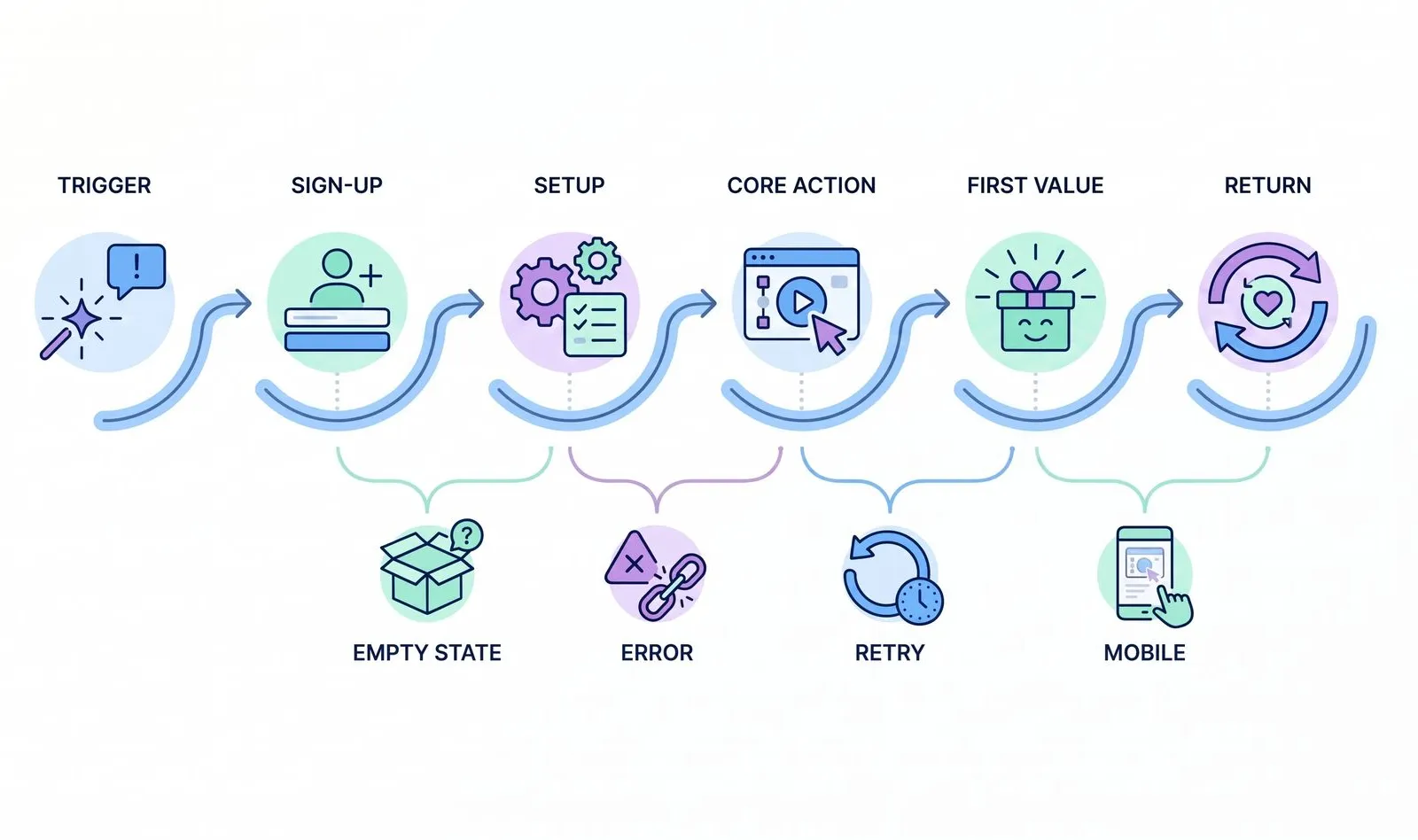
2. Walk the critical user journey, not the demo route
The familiar demo route was simple: create an account, upload the sample file, generate a summary, and invite a client. That was the happy path, and it was the only path receiving regular attention.
The audit mapped the critical user journey from the moment a customer starts looking to the first visible value and the reason to return. Each step was then tested with no data, incomplete forms, a slow connection, failed uploads, expired invitations, duplicate clicks, cancelled payments, returning users, and smaller screens.
Do not ask only, “Can the user complete this?” Ask, “Can the user understand what happened, recover, and continue?” A failed action with a clear retry path may be acceptable. A silent failure is not.
3. Test access, permissions, and customer data
The most serious problem was not the incorrect spacing or the failed upload. It was the project name visible from another workspace.
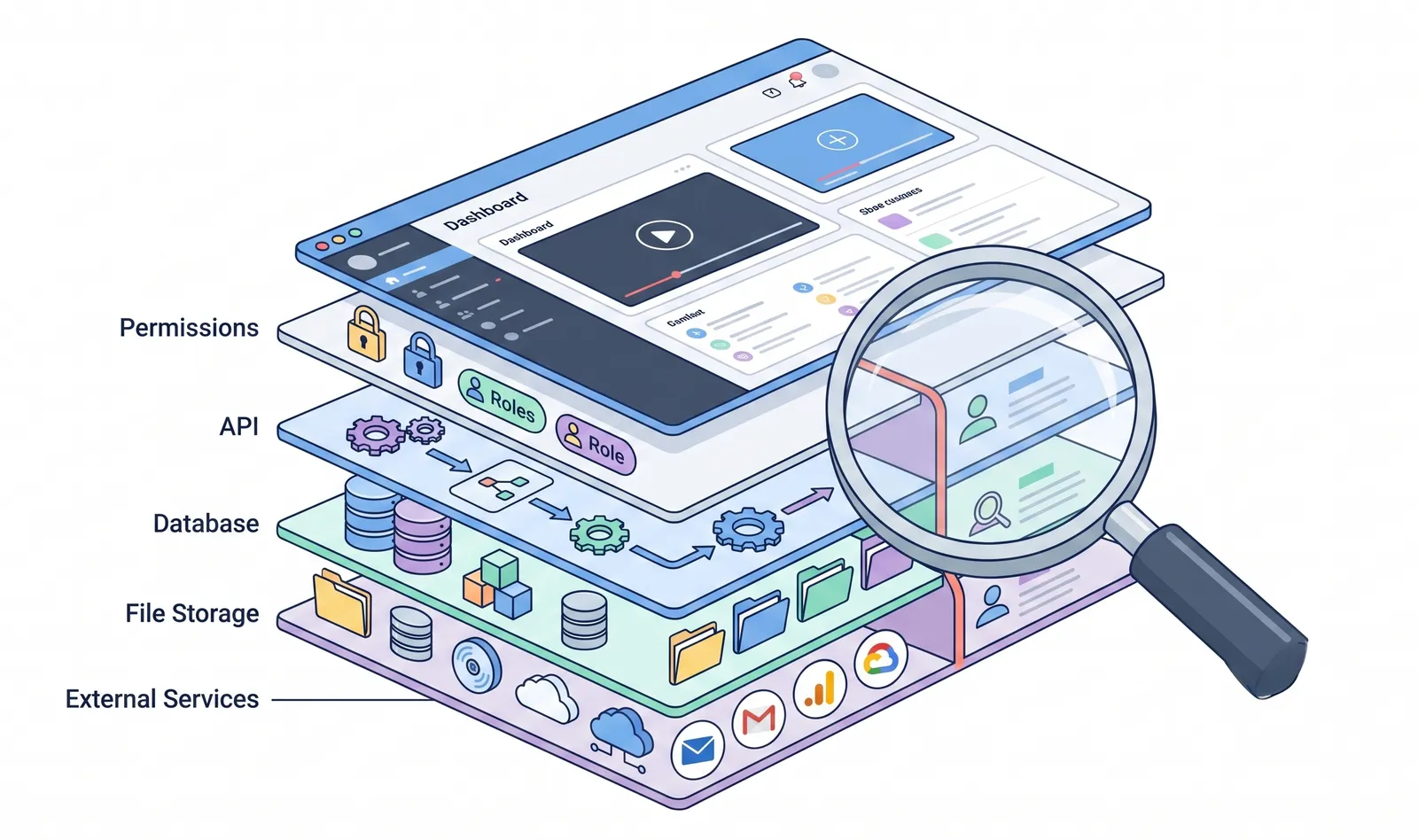
Screens can hide actions, but authorization must also be enforced on the server. Test direct URLs, APIs, file links, exports, and background jobs. Check what happens when a member changes role, leaves a workspace, uses an old invitation, or requests another customer’s record.
Create two test organizations and attempt to cross the boundary between them. Review file storage, expiring links, logs, analytics, and what is sent to an AI provider. OWASP lists Broken Access Control as a leading web application security risk, so the product needs evidence that its customer boundaries actually hold.
4. Review the code that carries the most risk
An AI-built product does not require a ceremonial rewrite by a human team. It requires human judgment where failure would be expensive.
Review the paths handling authentication, permissions, payments, uploads, personal data, background jobs, database changes, and third-party integrations. Look for exposed secrets, browser-only validation, missing rate limits, unnecessary dependencies, and error handling that records nothing useful.
Inspect the structure, too. AI can solve the same problem three different ways across an application. Confirm where business rules live, how data moves, and which component owns each decision. Generated quickly does not mean generated badly; the review must catch up with production.
5. Audit the AI behavior, if the product uses AI
A product built with AI may also contain an AI feature. Those are two different audit questions. The first concerns the quality of the software. The second concerns the behavior of a system whose output can change even when the interface does not.
Build a small evaluation set from real examples: clean files, messy files, scans, missing information, and inputs designed to confuse the model. Define a good answer, tolerable errors, and the failures that require human review.
Test invented facts, sensitive information disclosure, prompt injection, unsafe actions, latency, cost spikes, and provider failure. Treat model output as untrusted input. If AI can send an email, change a record, or issue a refund, place explicit limits and confirmation around that authority.
NIST emphasizes testing, evaluation, verification, and validation across the AI lifecycle, while OWASP documents risks such as prompt injection and sensitive information disclosure. A successful sample prompt is not an evaluation strategy.
6. Test reliability when the conditions stop being polite
Real users will upload unexpected files, click twice, lose their connection, and edit the same record at once. External services will return late or send the same event twice. Test large and malformed inputs, slow networks, concurrent updates, expired sessions, retries, and recovery after deployment.
Important operations should be idempotent where necessary: repeating a request must not create duplicate charges, invitations, or records. Backups must be restorable, and failed jobs must be findable. Reliability is the ability to fail without turning one problem into five.
7. Add visibility before users add noise
The dashboard showed page views and sign-ups, but not failed uploads, onboarding drop-offs, corrected AI answers, or the job that created a duplicate result.
Add analytics around the critical journey, structured logs, error monitoring, job visibility, and a simple audit trail. Define who receives alerts, how to roll back a deployment, and how users report problems. Track enough to answer: Where are users stuck? What failed? Who was affected? Can we recover?
What to Check Before Inviting Real Users
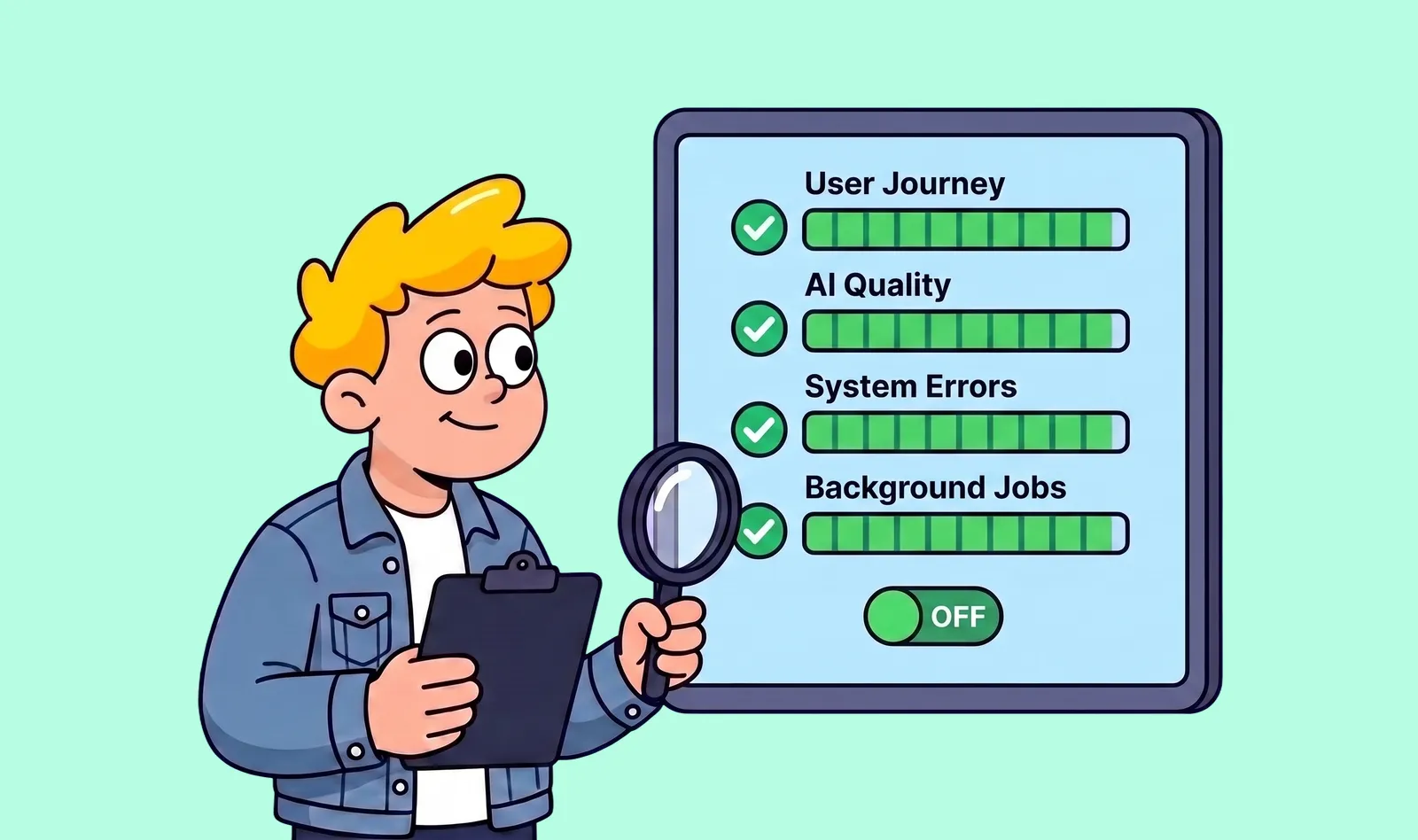
You do not need a flawless product or a hundred-page audit report. You need enough confidence to invite a small group of real users without gambling with their trust.
Before launch, make sure you have:
- A specific first customer and outcome that the product could explain clearly.
- One critical journey that worked across new, empty, failed, returning, and mobile states.
- Evidence that users, roles, workspaces, files, and APIs respected the correct access boundaries.
- Human review of the code handling authentication, payments, data, uploads, and background jobs.
- A repeatable AI evaluation set, clear failure rules, and human confirmation for high-impact actions.
- Safe handling of retries, duplicate requests, large inputs, service failures, backups, and recovery.
- Analytics, logs, error monitoring, ownership, rollback, and a visible path to support.
- A small closed beta with users who understood that they were helping test an early product.
Notice what is not on the list: every planned feature. Launch readiness is about the integrity of the product’s core promise, not the size of the roadmap.
What if you have already built the product with AI?
Do not assume you need to throw everything away. A rushed rewrite can replace visible problems with unfamiliar ones.
If the product is already live and every change feels risky, the problem has moved beyond launch readiness. Our guide to rescuing a SaaS product you no longer trust explains how to decide what should be kept, repaired, replaced, or retired.
First, pause feature work long enough to separate what the product shows from what the system has actually proven. Map the customer promise, critical journey, data boundaries, high-risk code, AI behavior, failure modes, and operational visibility. Rank findings by the harm they could cause and the likelihood that real users will encounter them.
Some products need a focused week of fixes. Others need part of the architecture rebuilt before customer data enters the system. The purpose of the audit is to tell the difference before more time is spent polishing the wrong layer.
That is what SaaS Loom’s Vibe Code Launch Audit is designed to do. We assess the product strategy, user experience, critical flows, architecture, security risks, AI behavior, and launch operations as one connected system then show you what is blocking launch, what can wait, and what to fix first.
Eleven days later, the eight invitations were sent. The product had fewer features than on the first planned launch night. It also had clearer boundaries, safer fallbacks, useful monitoring, and a first experience that no longer depended on its creator standing beside every user.
Frequently Asked Questions
How do I know if an AI-built app is ready for production?
An AI-built app is closer to production-ready when its critical user journey works beyond the happy path, customer data is properly isolated, high-risk code has been reviewed, failures can be detected and recovered from, and any AI features have repeatable evaluations and clear safety boundaries.
A working demo alone is not enough evidence that the product is ready for real users.
Is AI-generated code safe to use in production?
AI-generated code can be used in production, but it should not be trusted simply because it works in a demo.
Code handling authentication, permissions, payments, customer data, file uploads, database changes, background jobs, and third-party integrations should receive additional review and testing before launch.
Do I need to rewrite an app that was built with AI?
Not necessarily. Rewriting everything can introduce a new set of problems without fixing the underlying product risks.
Start by auditing the existing product. Keep the parts that behave predictably, repair contained weaknesses, and replace components only when the existing implementation makes safe progress unreasonable.
How should I test AI features before launch?
Create a repeatable evaluation set using realistic inputs, edge cases, incomplete data, and intentionally difficult examples.
Define what a correct answer looks like, which errors are acceptable, which failures require human review, and what should happen when the AI provider is slow, unavailable, or produces an unsafe response.
What should an AI product audit include?
A practical AI product audit should examine the customer promise, critical user journeys, authentication and authorization, customer data boundaries, high-risk code, AI behavior, reliability, monitoring, recovery, analytics, and launch controls.
The goal is to identify the issues that could create the greatest customer or business risk before real users encounter them.
The audit did not make the product perfect. It made the launch a decision instead of a guess.