
SaaS UX & Product Design That Ships
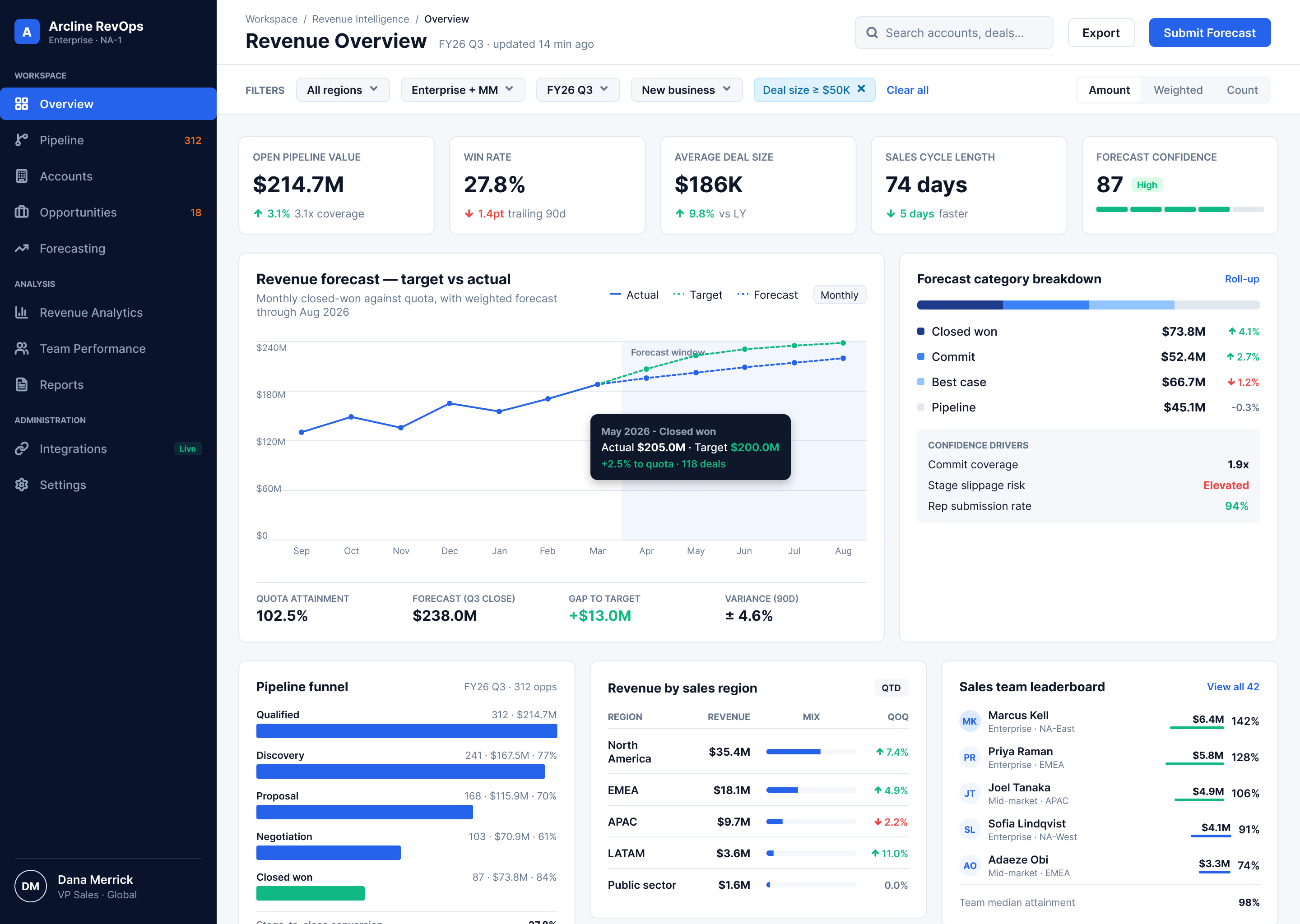
SaaS products often contain complex workflows, multiple roles, business rules, data, and edge cases. We turn that complexity into clear user journeys, intuitive interfaces, and product experiences people can understand without constant explanation.



What our SaaS UX & product design service includes
SaaS design is more than making screens look polished. We design the workflows, interactions, states, and systems that help users complete important jobs clearly and efficiently.
- 1
User & Workflow Research
Understand who uses the product, what they are trying to accomplish, how they work today, and where the current experience creates friction.
- 2
Information Architecture
Organize navigation, product areas, data, actions, and relationships so users can understand where things belong and how the product is structured.
- 3
User Journeys & Flows
Map the steps users take from trigger to outcome across roles, workflows, decisions, edge cases, and important product states.
- 4
Wireframes & Prototypes
Turn requirements into testable product flows before investing in detailed interface design or engineering.
- 5
SaaS UI Design
Create polished, accessible interfaces that make complex workflows easier to understand while supporting real product use.
- 6
Design Systems
Build reusable components, patterns, states, typography, spacing, and interaction rules that help the product stay consistent as it grows.
SaaS UX deliverables your team can actually build from.
We turn workflows and requirements into practical design artifacts your team can validate, build, and continue improving.
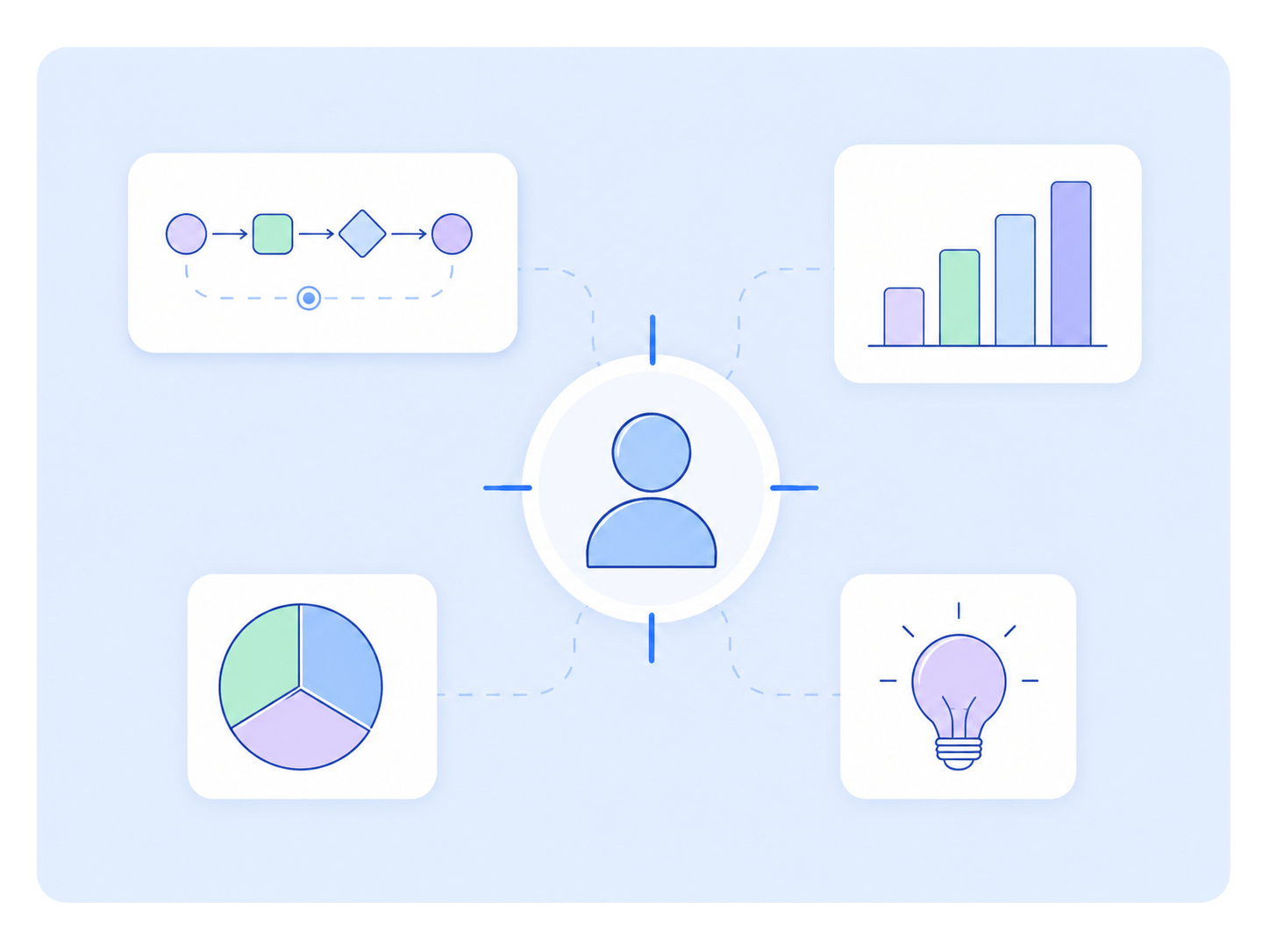
User Journey Maps
See how each user moves through the product from entry point to outcome, including key decisions, dependencies, and friction points.
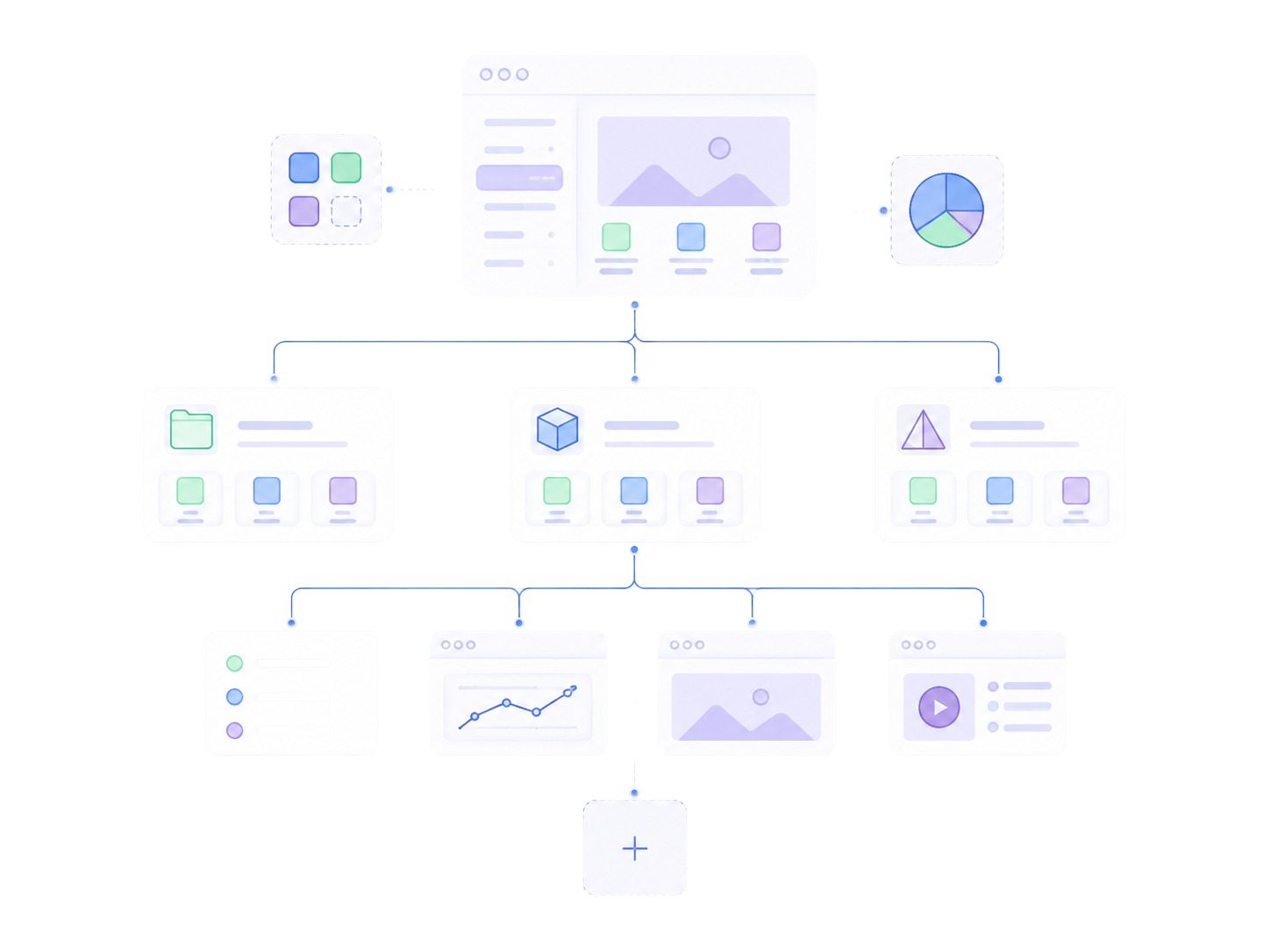
Information Architecture
Create a clear structure for navigation, product areas, objects, actions, and information across the SaaS experience.
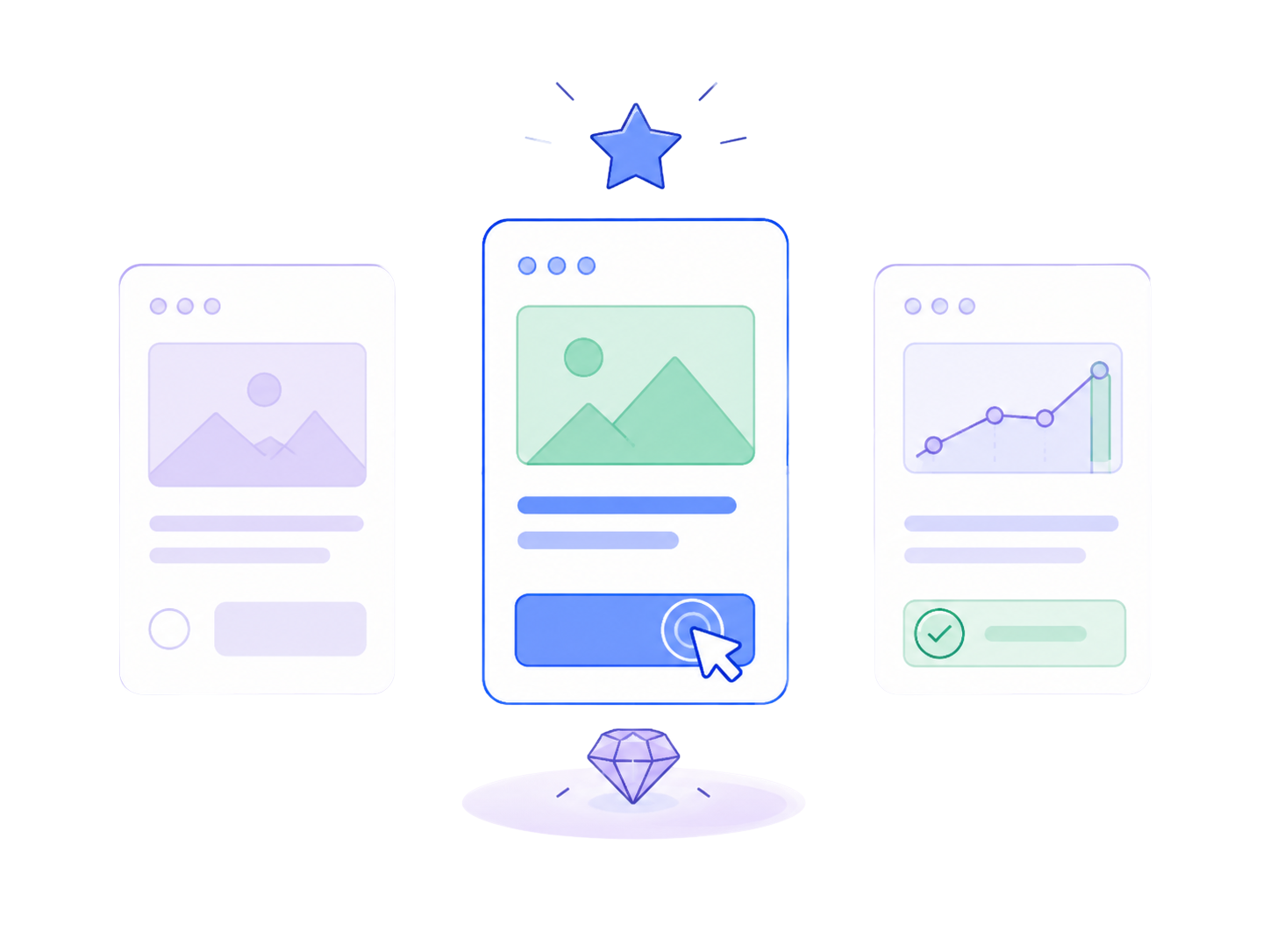
Wireframes
Define layout, hierarchy, functionality, and interactions before visual polish makes changes more expensive.
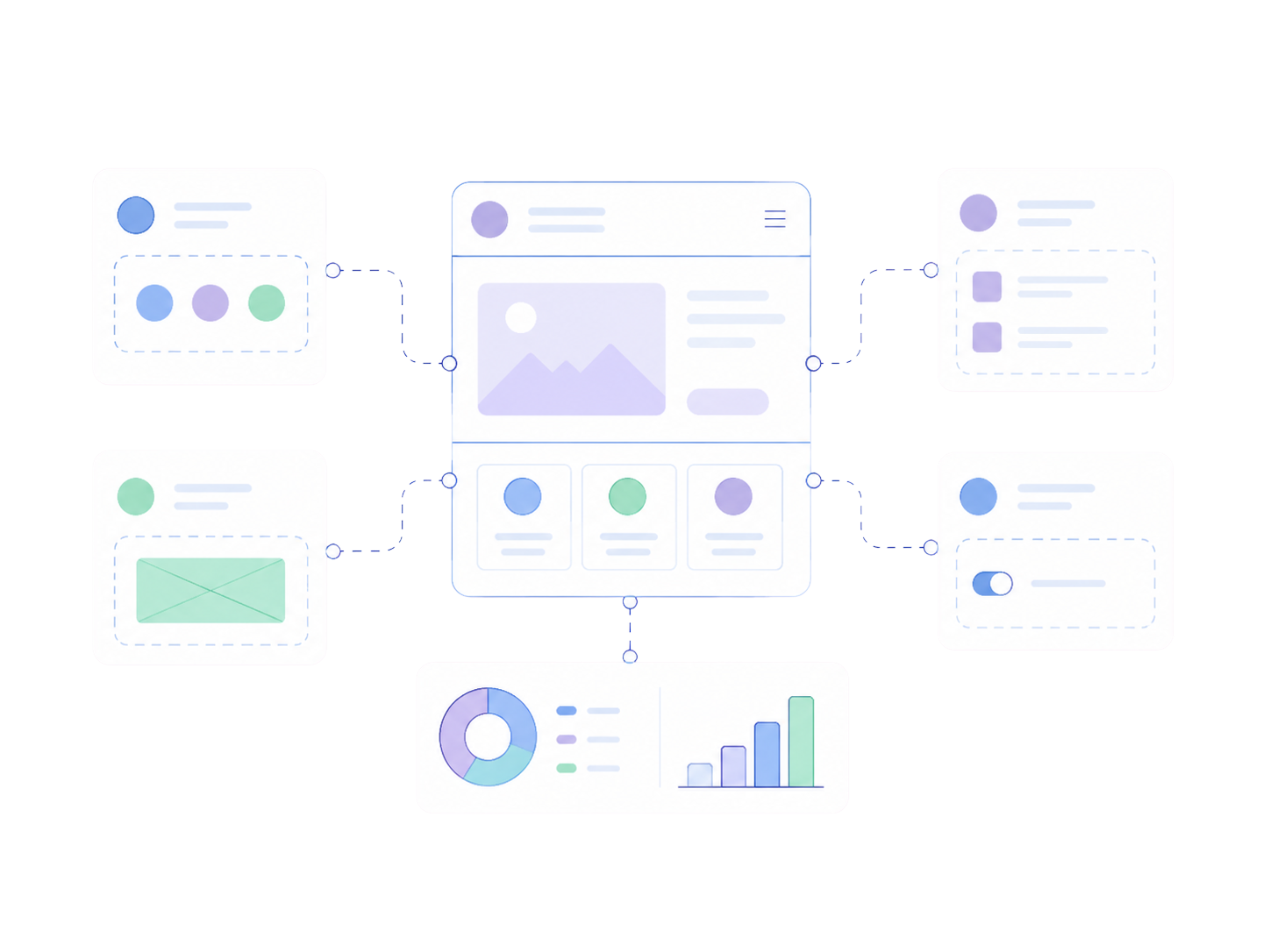
Interactive Prototypes
Test important workflows and product decisions through realistic clickable experiences before development begins.
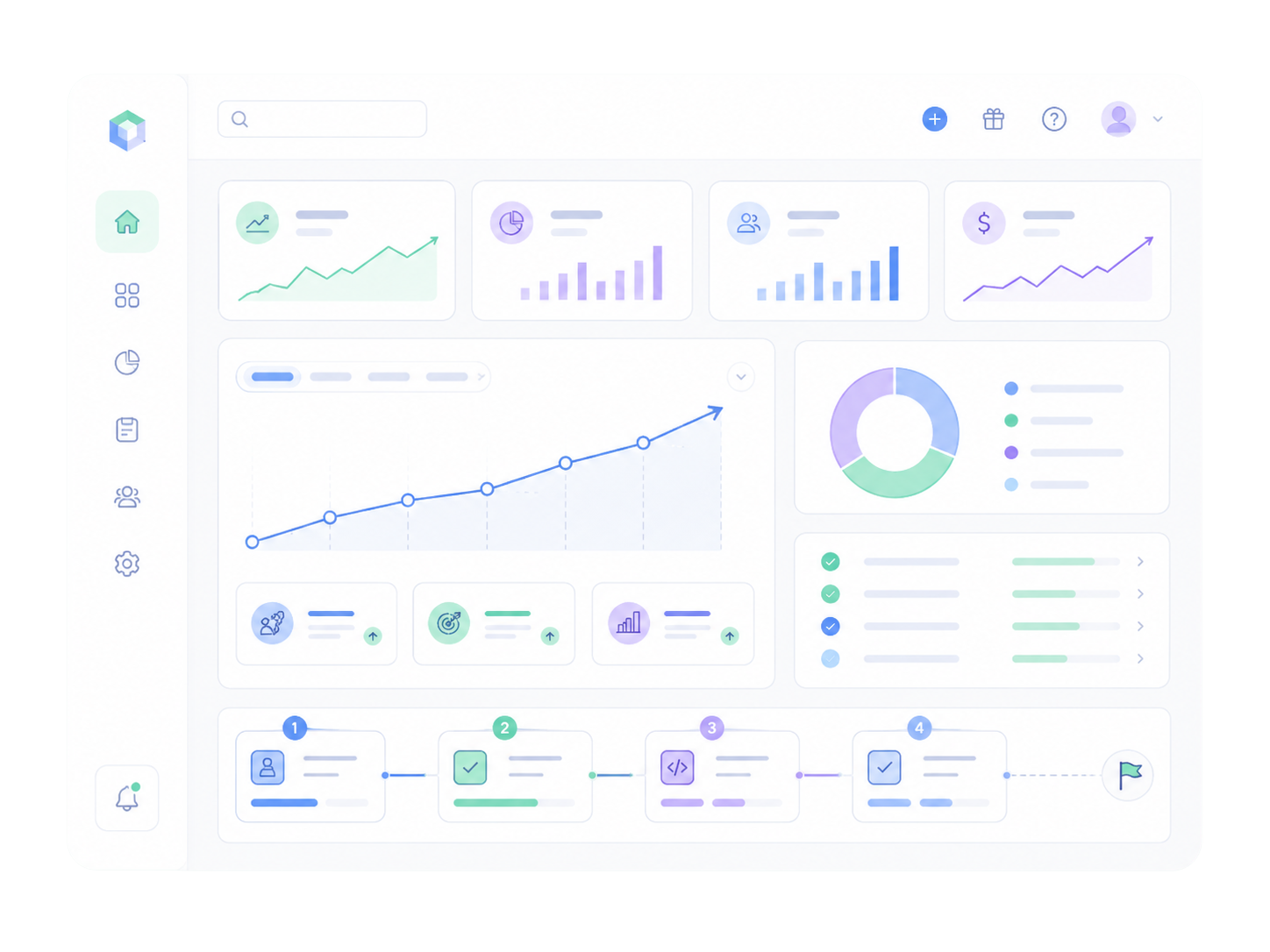
High-Fidelity Product UI
Receive complete SaaS interfaces designed around usability, accessibility, responsive behaviour, and real product states.
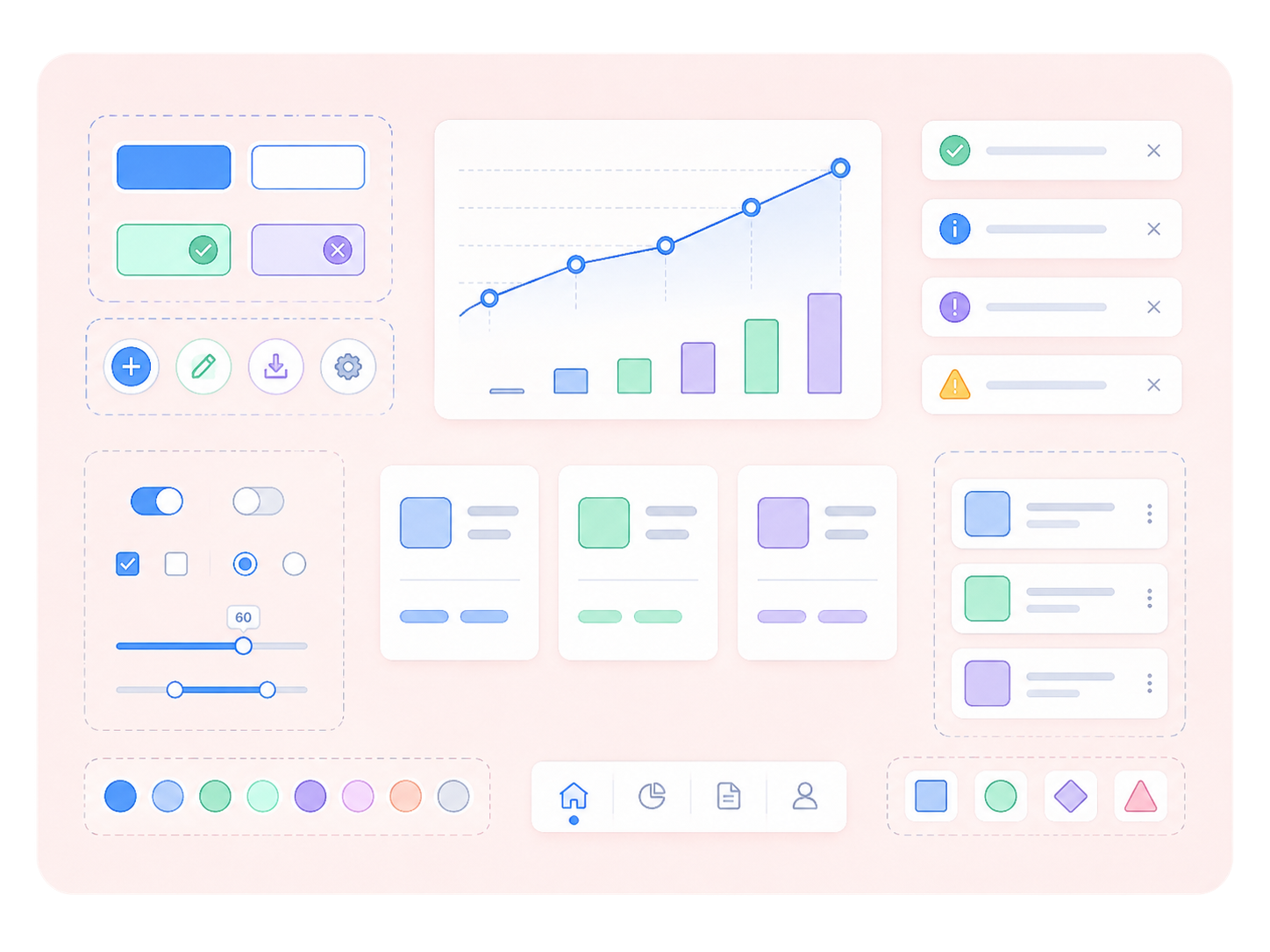
Scalable Design System
Create reusable components and interaction patterns that give design and engineering a consistent foundation for future releases.
How we design your SaaS product
Good SaaS UX starts with understanding the job users are trying to complete before deciding what the interface should look like.
We review the users, workflows, requirements, product rules, existing experience, business goals, and areas creating the most friction.
We define information architecture, user journeys, roles, interactions, and important product states before moving into detailed UI.
We turn the proposed experience into wireframes and interactive prototypes so important decisions can be reviewed before engineering.
We create polished, responsive interfaces and reusable design patterns that are clear for users and practical for developers to implement.
When UX & product design becomes necessary
These signals usually appear when the product works in theory, but the experience is making important workflows harder than they need to be.
The Signals
What needs clarity
Users need frequent explanation or support
User journey
Important workflows feel too complicated
Workflow design
Navigation has grown inconsistent
Information architecture
Different roles struggle with the same interface
Role-based experience
New features look and behave differently
Design system
No clear way to measure progress
Product specification
Ready to turn your product direction into something users can actually use?
If the strategy is clear but the workflows, interface, and product experience still need to take shape, SaaS Build & Launch can move your MVP from direction to a production-ready product.
Explore SaaS Build & Launch8–12 weeks
Typical engagement
You will leave with
Complete UX & product design
Production-ready SaaS MVP
Frontend & backend engineering
Tested core workflows
Launch & deployment setup
Best for: Validated idea / Defined MVP scope
Let’s understand where your product is stuck.
Tell us what you’re building, fixing, auditing, or trying to grow. We’ll review your stage, blockers, and goals — then guide you toward the right next step.
Frequently Asked Questions
Questions founders ask before building with SaaSLoom. Still have a question?
Let’s TalkSaaS UX design focuses on how users understand and interact with a software product across workflows, navigation, roles, data, actions, and product states. The goal is to make important jobs easier to complete while supporting the complexity required by the business.
Build with clarity before you spend more.
Whether you are starting with a raw idea, an AI-built prototype, a product you already paid for, or a live product with no traction — SaaSLoom helps you find the right next move.